01
Copia
Copia il testo selezionato da qualsiasi applicazione Windows.
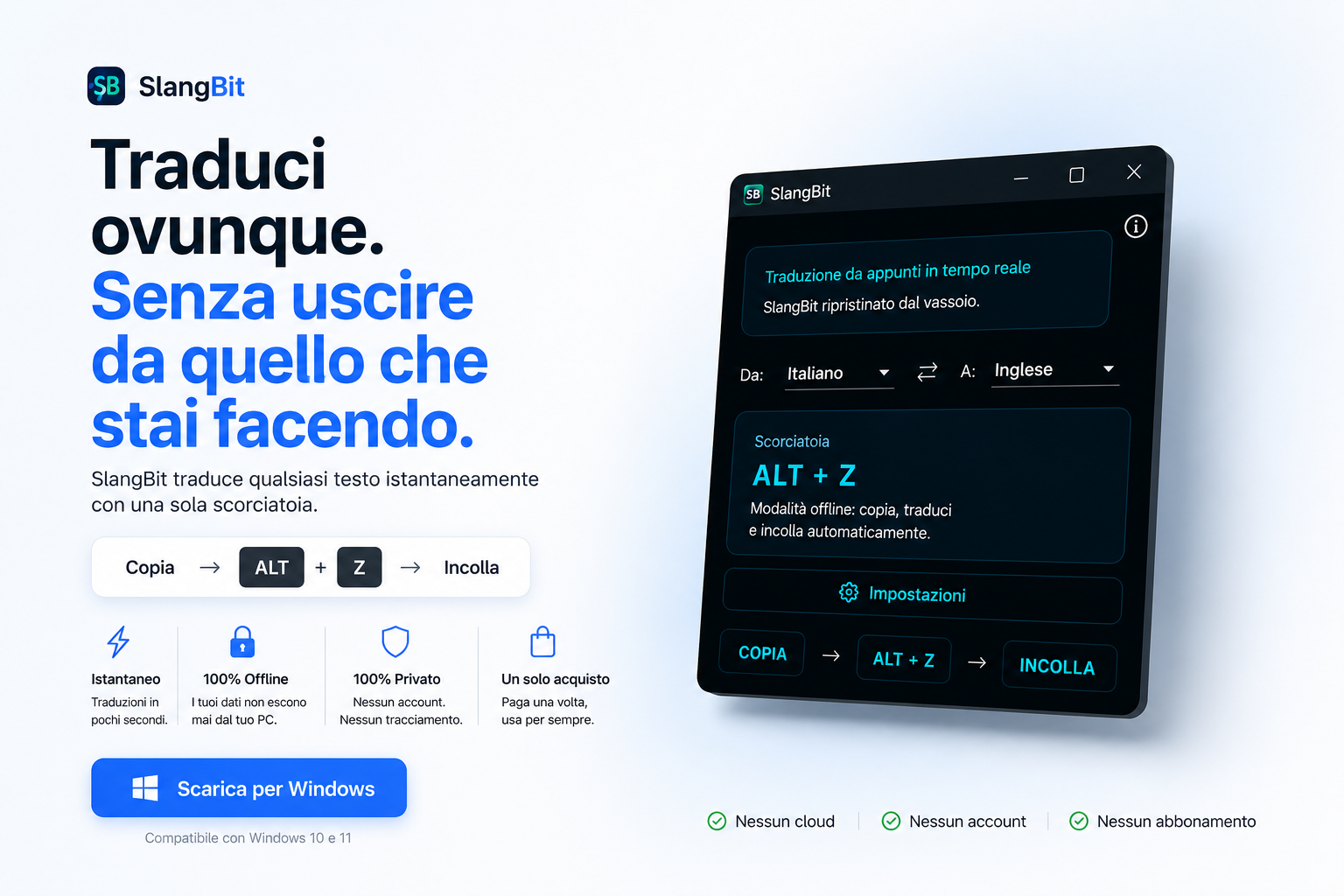
Copia il testo selezionato da qualsiasi applicazione Windows.
Usa la scorciatoia globale per tradurre il testo localmente.
Il testo tradotto viene rimesso negli appunti e incollato automaticamente.
SlangBit resta fuori dal tuo lavoro finché non ti serve. Nessun portale da aprire, nessun testo da inviare al cloud.
Il testo non lascia mai il tuo computer. La traduzione avviene localmente.
Nessuna API di traduzione cloud, nessun processamento esterno, nessun account.
Scarica e installa soltanto i pacchetti lingua che ti servono davvero.
SlangBit lavora in background e compare solo quando premi ALT + Z.
I pacchetti lingua vengono installati localmente e gestiti dal Package Manager integrato.
| Funzione | SlangBit | Traduttori cloud |
|---|---|---|
| Funziona offline | ✓ Sì | × No |
| Nessun account richiesto | ✓ Sì | × No |
| Nessun abbonamento | ✓ Sì | × No |
| I dati restano locali | ✓ Sì | × No |
| Modelli AI locali | ✓ Sì | × No |
| Controllo dei pacchetti | ✓ Sì | × No |
SlangBit non invia il testo tradotto a Memmola Labs né a servizi di traduzione di terze parti. Una volta installato il pacchetto lingua, la traduzione avviene localmente sul tuo PC Windows.
Solo per scaricare i pacchetti lingua o aprire la documentazione. La traduzione funziona localmente dopo l'installazione.
No. Il testo copiato viene elaborato localmente e non viene inviato a Memmola Labs o ad API di traduzione cloud.
La maggior parte delle applicazioni in cui è possibile copiare e incollare testo: browser, editor, client email e software da ufficio.
I pacchetti vengono gestiti separatamente tramite il Package Manager, così puoi installare solo le lingue che ti servono.
Disponibile su Microsoft Store. Un solo acquisto, nessun abbonamento.
Approfondimenti sull'AI locale, l'elaborazione privata del testo e il costo nascosto del cambio continuo di applicazione.
Cosa succede durante una traduzione offline, dalla tokenizzazione all'inferenza fino al testo restituito a Windows.
Leggi →Elaborazione esterna, conservazione, metadati e differenze concrete tra traduzione cloud e locale.
Leggi →Tradurre richiede secondi, ma lasciare il task corrente e recuperare concentrazione può costare molto di più.
Leggi →La scorciatoia globale collega appunti Windows, pacchetto lingua selezionato e motore di traduzione locale.
Leggi →Se pensi possa essere utile anche a qualcun altro.